Apple's Vehicle Motion Cues Can Make Using Your Phone in the Car Much Easier
Apple's Vehicle Motion Cues can help reduce motion sickness by adding small moving dots to the edges of your iPhone screen so what you see lines up better with what your body feels
Quick Take
- If reading or scrolling in the car usually makes you feel bad, this is one iPhone feature worth turning on.
- It is easy to miss because it lives in Accessibility settings, but it is one of the smarter travel comfort features Apple has added in a while.
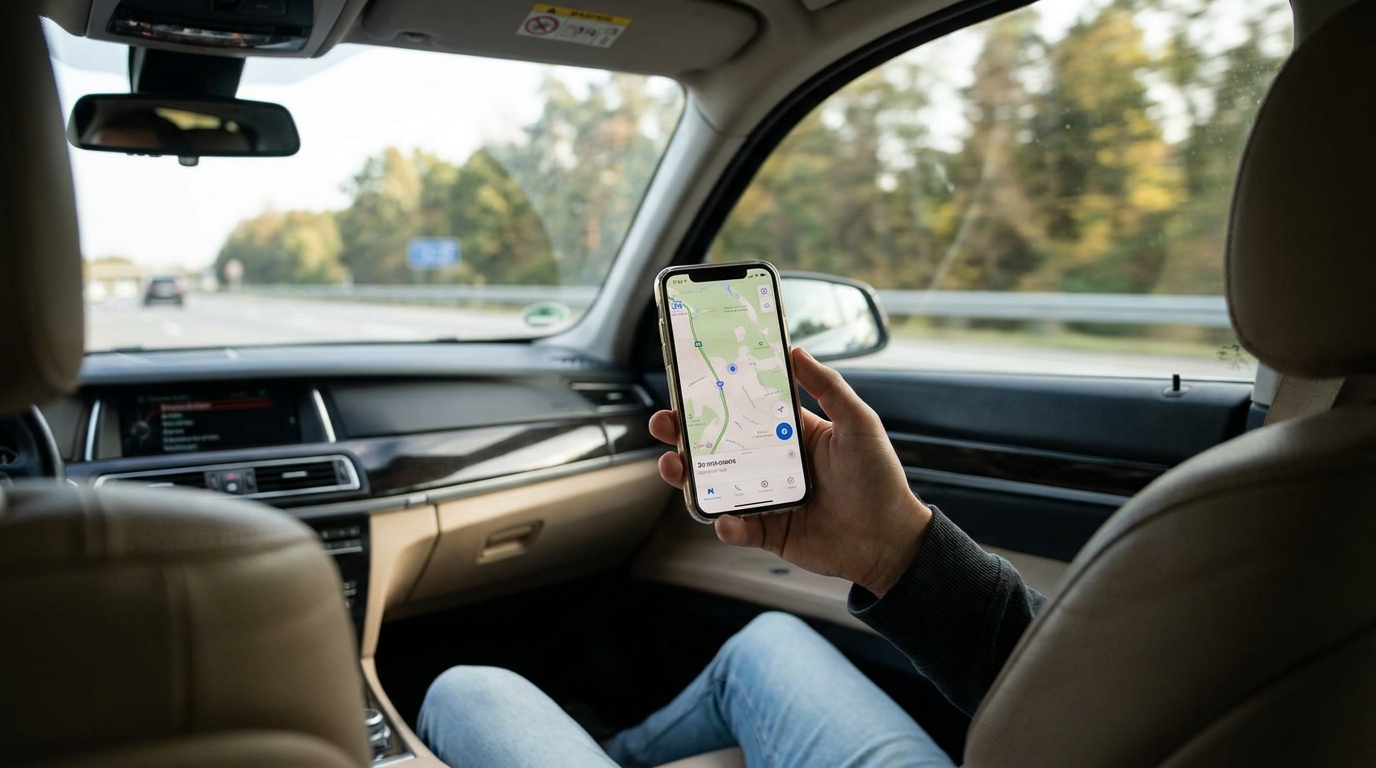
If using your phone in the car usually makes you feel sick, Apple's Vehicle Motion Cues feature is worth trying.
The short version is that it adds small animated dots near the edge of the screen. Those dots move in a way that is meant to better match the motion your body is feeling, which can make reading, texting, or looking something up in the car a little easier on your stomach.
How to Turn It On
On iPhone, go to:
- Settings
- Accessibility
- Motion
- Show Vehicle Motion Cues
From there, you can set it to:
- On
- Automatic
- Off
For most people, Automatic is probably the best place to start.
What It Actually Does
Motion sickness often kicks in when your inner ear feels movement but your eyes are locked onto a screen that looks still.
Apple's fix is pretty simple. Vehicle Motion Cues puts animated markers on the display that react to the car's movement, so the screen does not feel quite as visually disconnected from what your body is already sensing.
It is not magic, and it will not fix motion sickness for everyone. But if your normal problem is trying to answer a message, change a playlist, or look up directions while someone else is driving, this is exactly the kind of feature that can help.
When It Is Most Useful
This tends to make the most sense when:
- you are a passenger, not the driver
- you need to glance at directions, messages, or email in the car
- reading on your phone usually starts making you feel bad pretty quickly
- you want help without buying another gadget
It is especially nice because it does not require some weird mounting setup or separate accessory. If you already have an iPhone, it is just sitting there in settings.
The TrekSavvy Take
This is one of those small travel features that is easy to overlook until you actually need it. If car rides tend to wreck you the second you look down at your phone, turn it on before your next trip and see if it helps.
It is not a cure-all, but it is a smart little tool, and exactly the kind of buried feature more people should know exists.
For another built-in feature that removes friction on a trip, see our iOS travel Shortcuts guide.