Best USB-C Cables for Travel in 2026
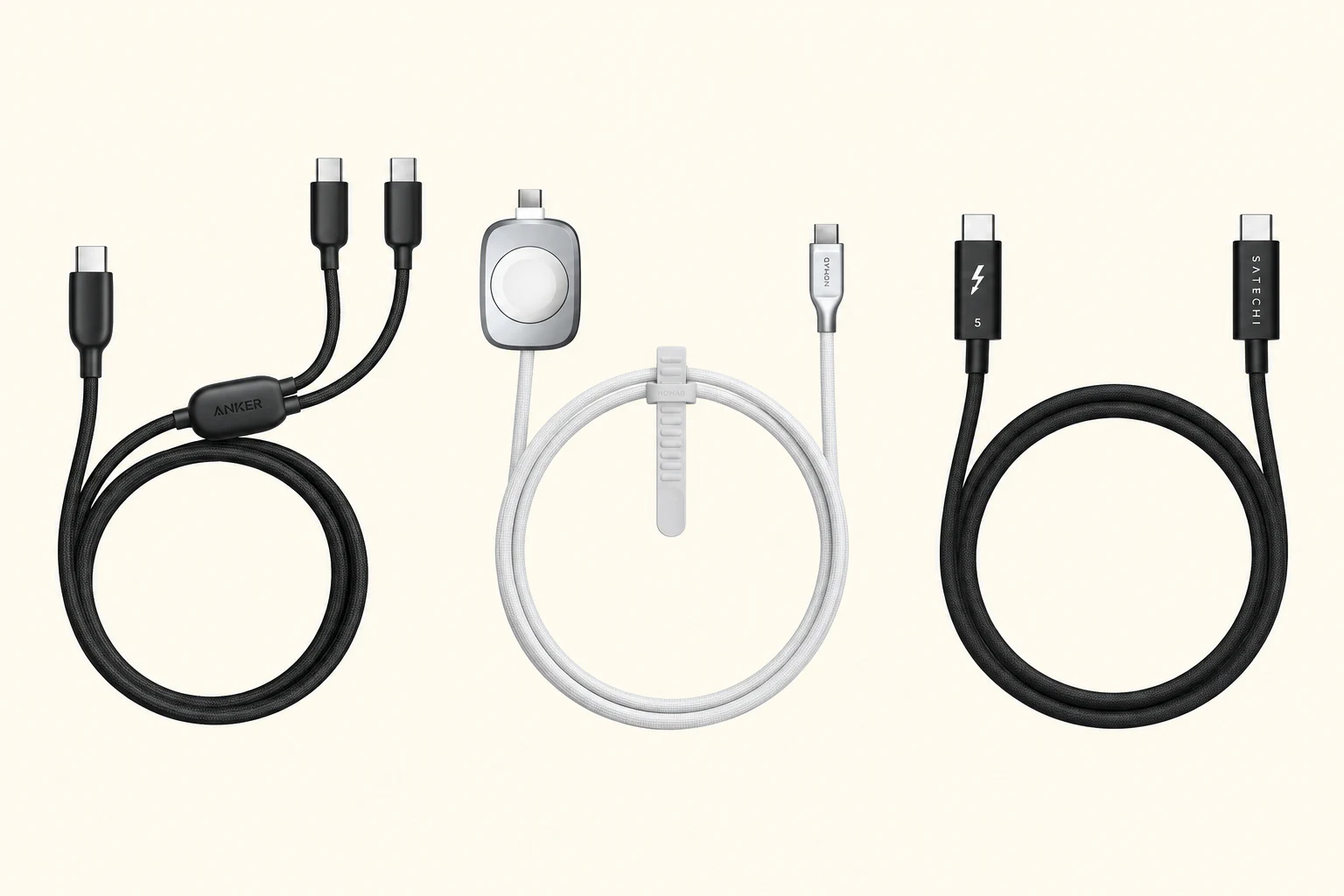
The best USB-C cables for travel cover five different jobs, from everyday charging and two-device setups to long reach, Apple Watch charging, and high-speed data.
Quick Take
- The 5-foot Beats USB-C woven cable is the best everyday travel cable for most people because it is compact, durable, and long enough for normal hotel use.
- Anker's 2-in-1 cable is the better pick when one charger port needs to handle two devices, while the 10-foot Beats cable solves genuinely bad outlet placement.
- Charging cables and full-featured USB-C cables are not interchangeable; choose Satechi's Thunderbolt 5 Pro only when data speed or display support matters.
The best USB-C cable for travel is not automatically the one with the biggest wattage number. For most people, it is the 5-foot Beats USB-C woven cable. It is long enough for normal hotel and airport charging, compact enough for a small pouch, and rated for the phones, tablets, and many thin-and-light laptops travelers actually carry.
Different trips call for different cables. Anker's 2-in-1 cable can charge two devices from one port. The 10-foot Beats cable reaches badly placed outlets. Nomad folds an Apple Watch charger into a useful USB-C cable. Satechi's Thunderbolt 5 Pro is the specialist pick for fast storage and displays.
The five cables at a glance
- Beats USB-C woven: Best for everyday charging; 5 feet; up to 60W; USB 2.0 data.
- Anker A8895 2-in-1: Best for two devices from one port; 6 feet; up to 140W with one device; up to 480 Mbps data.
- Beats 240W woven: Best for extra reach; 10 feet; up to 240W; USB 2.0 data.
- Nomad Universal Cable for Apple Watch: Best for consolidating an Apple Watch charger; 4.9 feet; up to 100W or up to 92W while charging a watch; USB 2.0 data.
- Satechi Thunderbolt 5 Pro: Best for fast data and displays; 3.3 feet; up to 240W; up to 80Gbps bidirectional data, with display support dependent on the host.
These are manufacturer ratings, not a claim that every connected device will reach the maximum. The charger, cable, and device all need to support the same power standard. Data and display performance also falls back to the capabilities of the ports on both ends.
Best overall: Beats 60W USB-C Woven Cable (5 ft)
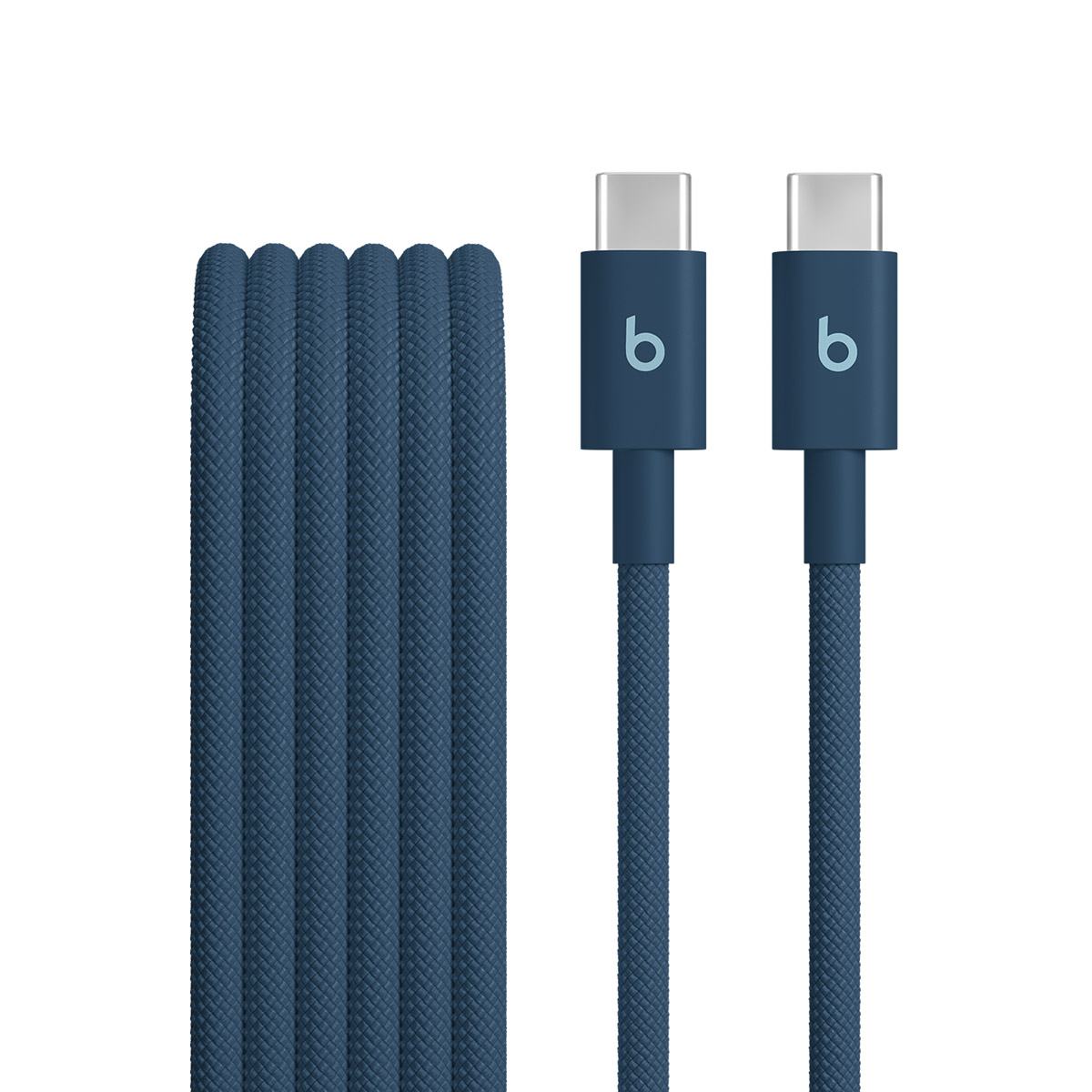
The 5-foot Beats cable is the easy default because it avoids both common travel mistakes: a three-foot cable that barely reaches the nightstand and a ten-foot cable that fills half the pouch. Its reinforced woven build is made to resist tangles and fraying, and 60W covers phones, tablets, handhelds, and many compact laptops.
Its limit is just as important. This is a USB 2.0 charging cable, not a cable for fast external storage or video output. It is also not the right match for a laptop that expects more than 60W. Pack it when charging is the job and five feet is enough.
Best for: Most travelers who want one normal USB-C cable for daily charging.
Best for two devices: Anker 140W 2-in-1 USB-C Cable
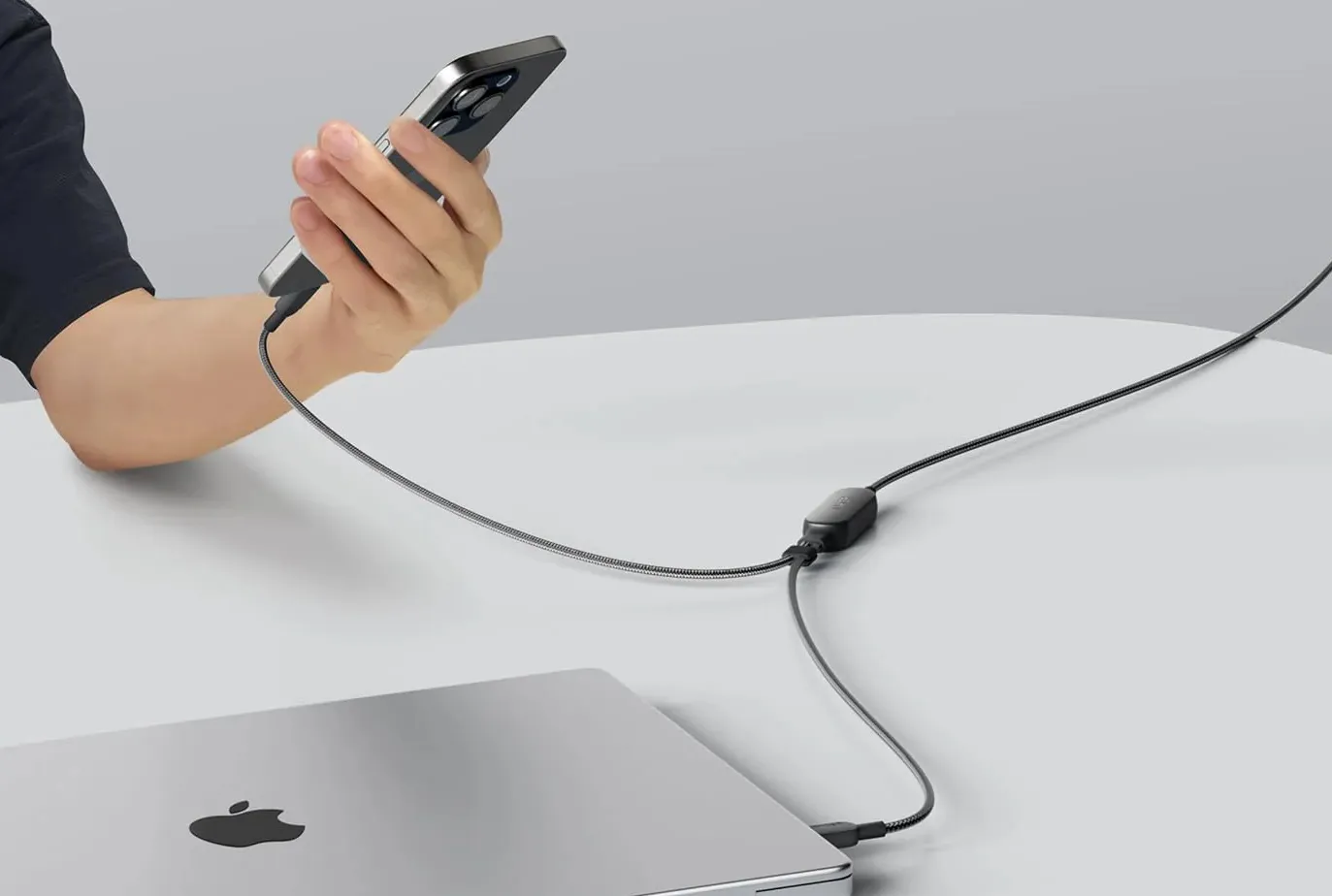
Anker's A8895 replaces two charging leads with one six-foot cable. Plug one end into a USB-C charger and the split end into two devices. The adjustable branches keep a phone and battery bank from dragging a full second cable across a hotel desk.
With one device connected, Anker rates the cable for up to 140W. With two devices, its built-in power management distributes the charger's output between them. The total is not always 140W: Anker says most two-device combinations top out at 100W, while up to 130W is possible only when one device requests more than 100W. Data is limited to 480 Mbps, and the dual-output mode does not support PPS.
Read our Anker 2-in-1 USB-C cable review for the shorter case for packing one.
Best for: A phone, earbuds, power bank, or second USB-C device sharing one charger port.
Best for reach: Beats 240W USB-C Woven Cable (10 ft)
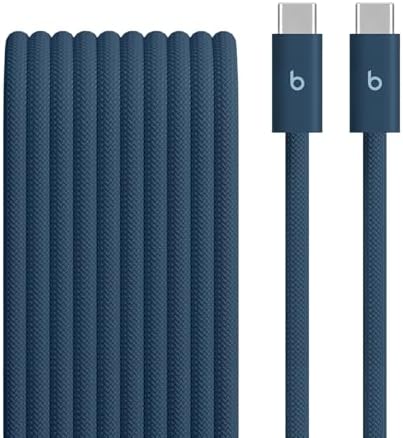
The 10-foot Beats cable is deliberately excessive. That is the point. It reaches a hotel outlet behind the bed, an airport socket under a seat, or the far side of an Airbnb desk without adding a power strip.
Apple rates this three-meter cable for up to 240W charging, so the cable itself is not the bottleneck for current USB-C laptops and power banks. It still transfers data at USB 2.0 speeds, though, and Apple does not position it as a display cable. Buy it for charging and reach, not because 240W makes it better at every USB-C job.
Our full 10-foot Beats cable review explains why the extra length is more useful on the road than it sounds.
Best for: Travelers who regularly encounter badly placed outlets.
Best for Apple Watch: Nomad Universal Cable for Apple Watch
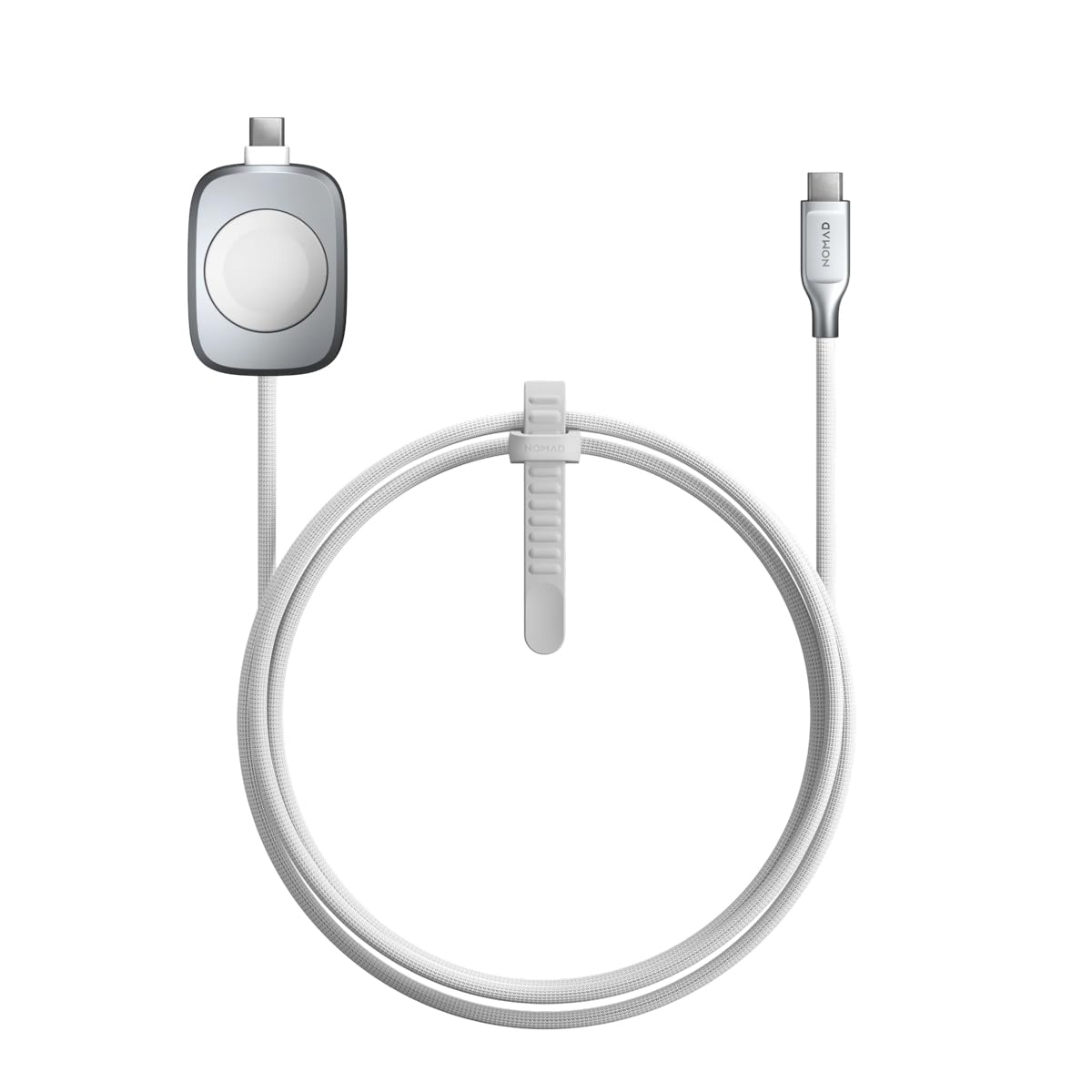
Nomad's cable combines a normal USB-C connection with an integrated Apple Watch fast-charging puck. It is the best option here for reducing the number of separate pieces in an Apple travel kit because the 1.5-meter cable can charge a laptop, tablet, phone, or accessory while also handling the watch.
Nomad rates the USB-C connection for up to 100W when the watch puck is idle and up to 92W while the watch is charging. Multi-device charging requires at least a 20W adapter. It is another USB 2.0 cable, so consolidation is the reason to buy it—not fast file transfers.
See our Nomad Universal Cable for Apple Watch review for more on the one-cable setup.
Best for: Apple Watch owners who want to stop packing a separate watch cable.
Best for data and displays: Satechi Thunderbolt 5 Pro Cable
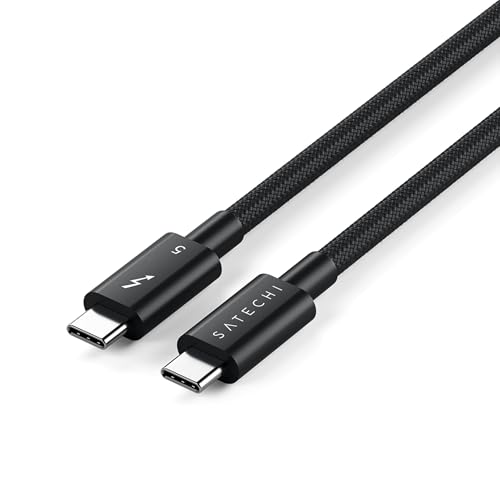
Satechi's ST-YTB5100K is the only full-featured cable in this guide. It supports up to 80Gbps bidirectional data, up to 120Gbps in one direction, and up to 240W charging. Satechi rates display support up to 6K on macOS and up to 8K on Windows, subject to the computer, display, and port configuration.
That capability matters when a travel cable also needs to connect an external SSD, dock, or monitor. It does not make Satechi the best everyday charging cable. The one-meter length is short, and most phones never use the extra bandwidth. Buy it only when your setup has a data or display job that a USB 2.0 charging cable cannot do.
Our Thunderbolt cable and HDMI adapter travel setup shows one reason to pack it instead of a dedicated HDMI cable.
Best for: Fast storage, docks, monitors, and one cable that must carry power, data, and video.
Charging cable or full-featured USB-C cable?
USB-C describes the connector, not everything the cable can do. The two Beats cables, the Anker 2-in-1, and the Nomad cable are all practical charging choices, but their USB 2.0 data limits make them poor picks for moving large files. They also do not promise the display support people often assume comes with every USB-C cable.
The Satechi cable is built for that wider job. It costs more and gives up reach because high-bandwidth Thunderbolt cables are more demanding to make. Packing it for phone charging alone would be unnecessary.
For most trips, take the 5-foot Beats cable plus the Satechi Thunderbolt 5 Pro only if you know you will connect storage or a display. Swap in the Anker when two-device charging saves a charger port, the 10-foot Beats when outlet placement is reliably bad, or the Nomad when an Apple Watch is part of the kit.
Build the rest of the setup from our Travel Charging Guides hub, including compact chargers, international adapters, and flight-ready power banks.