AirFly Audio Delay with AirPods: What You Can Fix
AirPods can pair with AirFly without its low-latency aptX codecs. Check the source, isolate connection problems, and know when wired headphones make more sense.
If your AirPods play the movie's sound but dialogue arrives after people's mouths move, pairing has already worked. The problem is lip sync, and repeatedly resetting AirFly may not fix it. AirPods do not support aptX Low Latency or aptX Adaptive, so they cannot use those features just because your transmitter has them.
Some setups will be comfortable to watch; others will leave a distracting delay. Before replacing anything, compare the same source with wired headphones, then test AirFly on another working headphone output. Those checks tell you more than another round of pairing.
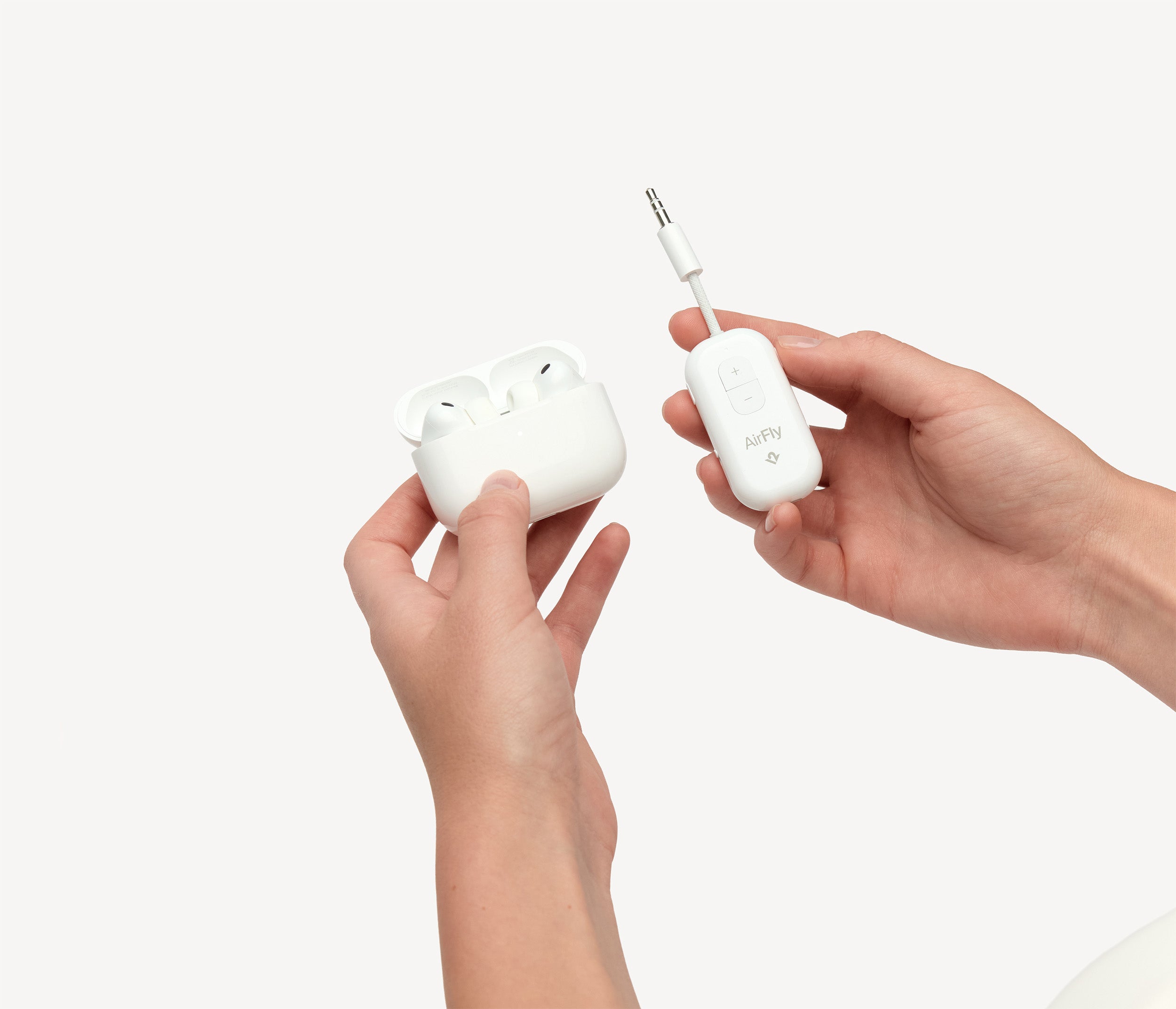
Why AirFly's aptX support does not fix AirPods lag
For seatback audio, AirFly sends sound in TX mode. Twelve South lists aptX Adaptive, aptX Low Latency, aptX HD, aptX and SBC for AirFly Pro 2's transmitter mode. AAC appears in its receiver-mode list, not its transmitter list. RX receives Bluetooth audio; it is not the mode that sends a movie to your AirPods.
Both ends need compatible low-latency technology. Avantree's audio-lag guidance explicitly identifies AirPods' lack of aptX LL and Adaptive support. A transmitter cannot add those codecs to the headphones. Changing your iPhone's Bluetooth settings cannot enable them on this separate AirFly-to-AirPods connection.
That is a compatibility limit, not proof every AirPods setup will be unwatchable. Nor does it give you one guaranteed delay figure: the screen, audio output and wireless connection all belong in the diagnosis.
Check the source before resetting AirFly
Use a scene with clear speech and repeat the same short section where possible.
- Try wired headphones on the same output. Remove AirFly and use headphones compatible with that jack. If dialogue is already late, the problem is not confined to the AirFly wireless path. If wired sound is in sync, you have narrowed the problem to the added AirFly/headphone path, not proved which device is responsible.
- Try AirFly and the same AirPods on another working 3.5mm source. Keep the headphones unchanged. Delay that appears only on one source points toward that source or its interaction with the adapter. It does not automatically mean AirFly is defective.
- Check available source controls. If a TV or playback app offers audio-sync adjustment, follow its instructions and compare again. A seatback screen may offer no such control. Do not spend a flight hunting for a setting the system does not provide.
Twelve South's latency troubleshooting also suggests lowering the source's output volume when its signal is unusually strong. Treat that as a source-level check, not a way to change codecs or guarantee lip sync. Keep listening volume comfortable.
Separate connection trouble from a steady delay
Crackling, dropouts or sound in only one ear are different symptoms from clear audio arriving consistently late. Note which problem you actually hear before changing settings.
Start with one listener connected. That removes the second connection from the test; it does not establish that shared listening changes the codec. Keep AirFly close to the headphones, and disconnect nearby phones or computers that keep taking the AirPods connection back. These checks are useful for connection stability, not a promise to remove a fixed delay.
If you restart or pair again, use the instructions for your exact AirFly model. Our AirFly Pro 2 pairing guide covers its TX switch and separate PAIR buttons. In particular, holding PAIR 1 for four seconds clears its pairing memory; do not keep doing that while expecting a different codec. The Pro 2 manual is the reference, not an older Pro or SE button sequence.
When to stop troubleshooting
If wired audio is acceptable but AirFly and AirPods still lag across sources, a wired fallback is the straightforward movie-watching option. It removes the Bluetooth hop, not every possible source of system delay. Use headphones and a cable actually compatible with the audio output; a charging port alone does not establish wired-audio support.
Do not buy another transmitter solely because its box says aptX or a newer Bluetooth version. Your headphones still need the matching capability. Our airplane Bluetooth adapter guide covers hardware choices, but a different adapter is not a guaranteed AirPods latency cure.
For persistent trouble, contact Twelve South support. Include the exact AirFly and AirPods models, the source device or seatback system, whether the delay is constant or intermittent, and what happened with wired headphones and the second source. That gives support a reproducible problem instead of another request to start pairing again.